How to Install Grafana on a Synology NAS - WunderTech
…NAS units, a DIY TrueNAS server, a Proxmox cluster, a full UniFi network, and more. I hold a BS in Computer Information Systems and an MBA, but most of what you'll…
Yes, but the VM’s virtual network interface needs to be configured to pass VLAN tags. In Proxmox, this means the bridge the VM uses must be VLAN-aware, and the VM’s interface should either be on a trunk or have the specific VLAN tag set. See the Proxmox VLAN configuration guide for the full setup. If you’re just getting started with Docker in Proxmox, setting up Docker in Proxmox via a VM is worth reading first.
Docker Macvlan on a VLAN: Give Containers Their Own IP - WunderTechDocker macvlan gives containers their own MAC address and IP address on your physical network, eliminating the need for NAT or port mapping. It’s most useful when a container needs to appear as a real device on a specific subnet — common for Wake-on-LAN tools, network scanners, and IoT management containers that need to be on a dedicated VLAN.
Docker Macvlan on a VLAN: Give Containers Their Own IP - WunderTechNot by default. Macvlan isolates the container from the host at the network level, so the container can talk to other devices on the VLAN but not the machine it’s running on. To work around this, you can create a macvlan interface on the host side as well (sometimes called a shim interface), which gives the host an IP on the macvlan network.
Docker Macvlan on a VLAN: Give Containers Their Own IP - WunderTechWith bridge networking, containers share the host’s IP and use NAT to reach the outside world. With macvlan, each container gets its own IP directly on your physical network — no NAT, no port forwarding. Macvlan behaves more like adding a new device to your network, while bridge networking behaves more like a software router sitting between the container and your LAN.
Docker Macvlan on a VLAN: Give Containers Their Own IP - WunderTech Ultimate Home Server Setup: Proxmox, TrueNAS, Docker, Proxmox Backup Server, & More
 The Right Way to Install Docker on Proxmox
 Getting Started with Kestra: Install, Configure, and Automate
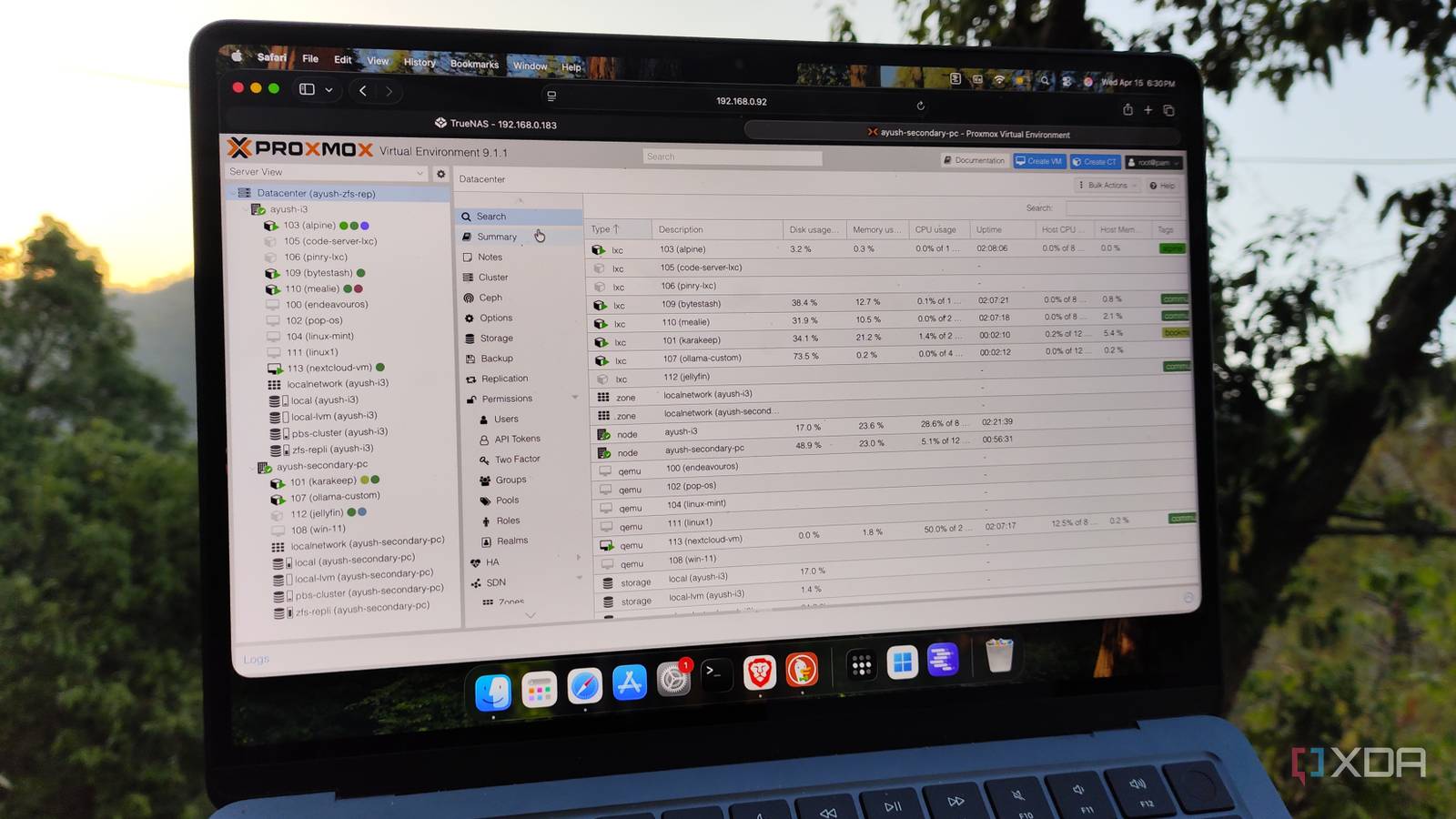
 Proxmox 9.1 Can Now Run Containers… But Should You?
 Home Lab in 2026: What's Worth Your Money (and what isn't)
 Self-Hosted Apps That Replace Everything You Pay For in 2026
 Building a Low-Power Proxmox Server (It Didn't Go Smoothly)
 Coolify: The Ultimate Self-Hosted Platform as a Service?
 What’s Actually Running in My Homelab? (50+ Self-Hosted Services)
 Before You Trust Another Self-Hosted App, Watch This
 I Switched Away from Portainer — Then Everything Broke
 They're Getting Faster. Open Source Is Under Attack Right Now.
…NAS units, a DIY TrueNAS server, a Proxmox cluster, a full UniFi network, and more. I hold a BS in Computer Information Systems and an MBA, but most of what you'll…
…Proxmox made sense right away because it let me isolate the experiment, give it dedicated resources, and avoid turning my host into a pile of half-finished dependencies and leftover tweaks. I…
…sudo apt-get update sudo apt-get install docker-ce docker-ce-cli containerd.io docker-buildx-plugin docker-compose-plugin sudo service docker start 4. Docker is now installed and can…
…System containers like LXC, LXD, and Incus behave like tiny Linux servers. You SSH in, run systemd, install packages, and treat them like long-lived machines. Application containers like Docker usually run…
I created a Docker container of Proxmox VE. This makes it extremely easy to install Proxmox on existing systems, and to play around with it before deciding on dedicating a whole machine to it. The performance should be i…
I created a Docker container of Proxmox VE. This makes it extremely easy to install Proxmox on existing systems, and to play around with it before deciding on dedicating a whole machine to it. The performance should be i…
The Point: Holy shit LXCs are so cool and felt like black magic getting "free" RAM back. If you're newer, like me, and have just been using VMs instead of LXCs, you should look at changing that. I started my server back …
I am moving all my dockers from unraid to LXCs on proxmox and while doing so, I am cleaning up a little at the same time. A lot of dockers require databases and I am a little unsure if I should just create one huge postg…
I just recently installed Proxmox, got a few LXCs running (jellyfin, pihole, nginx and etc) I have 2 VMs running (one is running my own app with docker, the other is Homeassistant) I’m still not sure when to go for an LX…
…And since everything is running on my NAS (and well, my Proxmox server, if you include the nomic model), I don’t have to worry about a random company training their models…
…Updating Docker Containers on a Synology NAS Using Docker Compose Updating a container using Docker Compose is slightly different than running Synology’s GUI. When we use Synology’s GUI and duplicate…
…that it will run properly and work as expected. While you can use Docker, I prefer using the Supervised version of Home Assistant rather than the Docker (non-supervised) version. In general…
…Create a username and password to access Portainer, then select create user . 7. Select Docker and then Connect . 8. Select Local to manage the local Docker instance (on your Synology NAS). Docker…
…Debian and Docker containers. I didn’t want to complicate things with heavier OSes like Windows LTSC and virtualization setups like Proxmox. Whether Proxmox is better than standalone Debian or not is…
…Select the Unifi-Controller folder that we created earlier and set the mount path as /unifi . 8. In the Network section, select Use the same network as Docker Host . 9. Select Environment…